Turn any story into a cinematic short video
Describe a story or paste a paragraph. Seedance Videos uses GPT Image 2 to build the visual storyboard, then brings the approved shots to life with Seedance 2.0.
GPT Image 2 → Seedance 2.0
Turn one story into a finished video
WORKFLOW
Three steps from idea to moving image
Keep the creative decisions visible at every step instead of jumping blindly from prompt to final render.
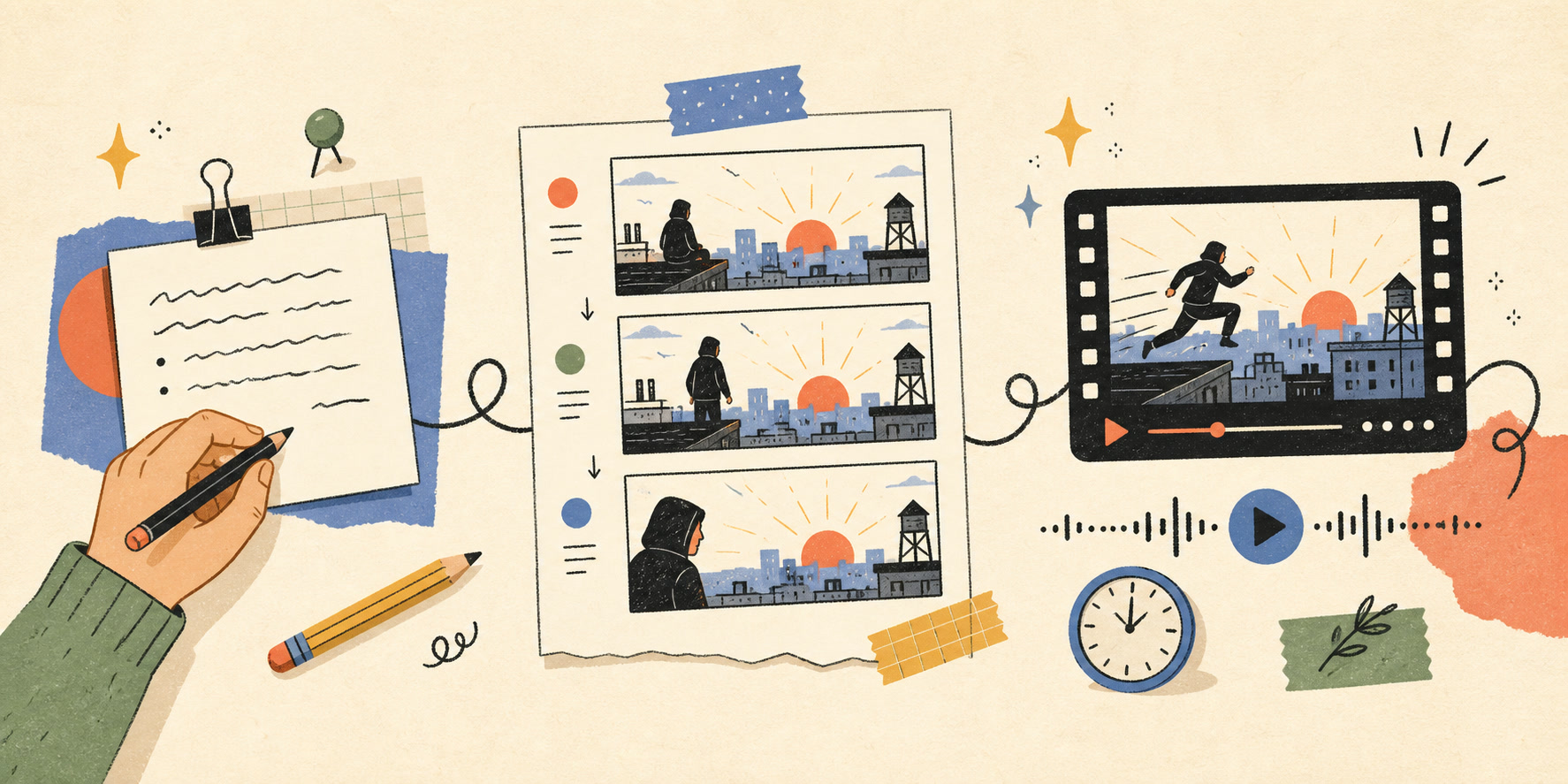
Write your story
Write a sentence, paste a paragraph, or describe the moment you want your audience to feel.
Build the storyboard
GPT Image 2 turns the narrative into visual frames so you can review the sequence before animation.
Create the video
Seedance 2.0 brings the approved shots to life with motion, camera direction, and audiovisual detail.
CREATIVE TOOLS
Creative control without the complexity
Shape the story, visual direction, and motion without stitching together a complicated toolchain.
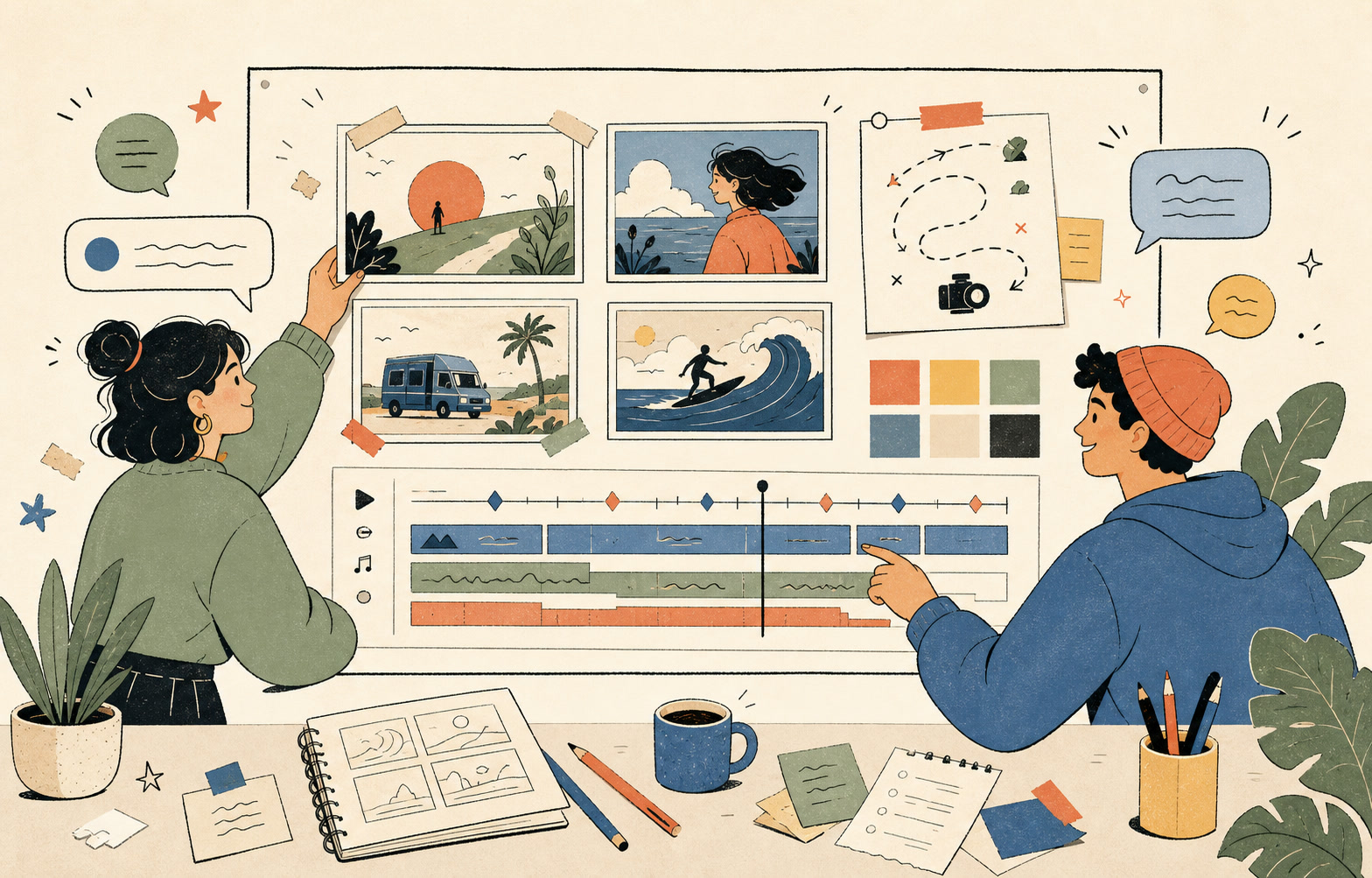
Scene planning
Break a paragraph into clear scenes and shots that are easier to review, rearrange, and refine.
Visual storyboards
Use GPT Image 2 to establish a coherent visual direction across the storyboard before video generation begins.
Motion and camera direction
Translate approved shots into prompts for motion, performance, lighting, and camera movement with Seedance 2.0.
Refine shot by shot
Review the creative direction, adjust individual shots, and generate again without rewriting the entire story.
USE CASES
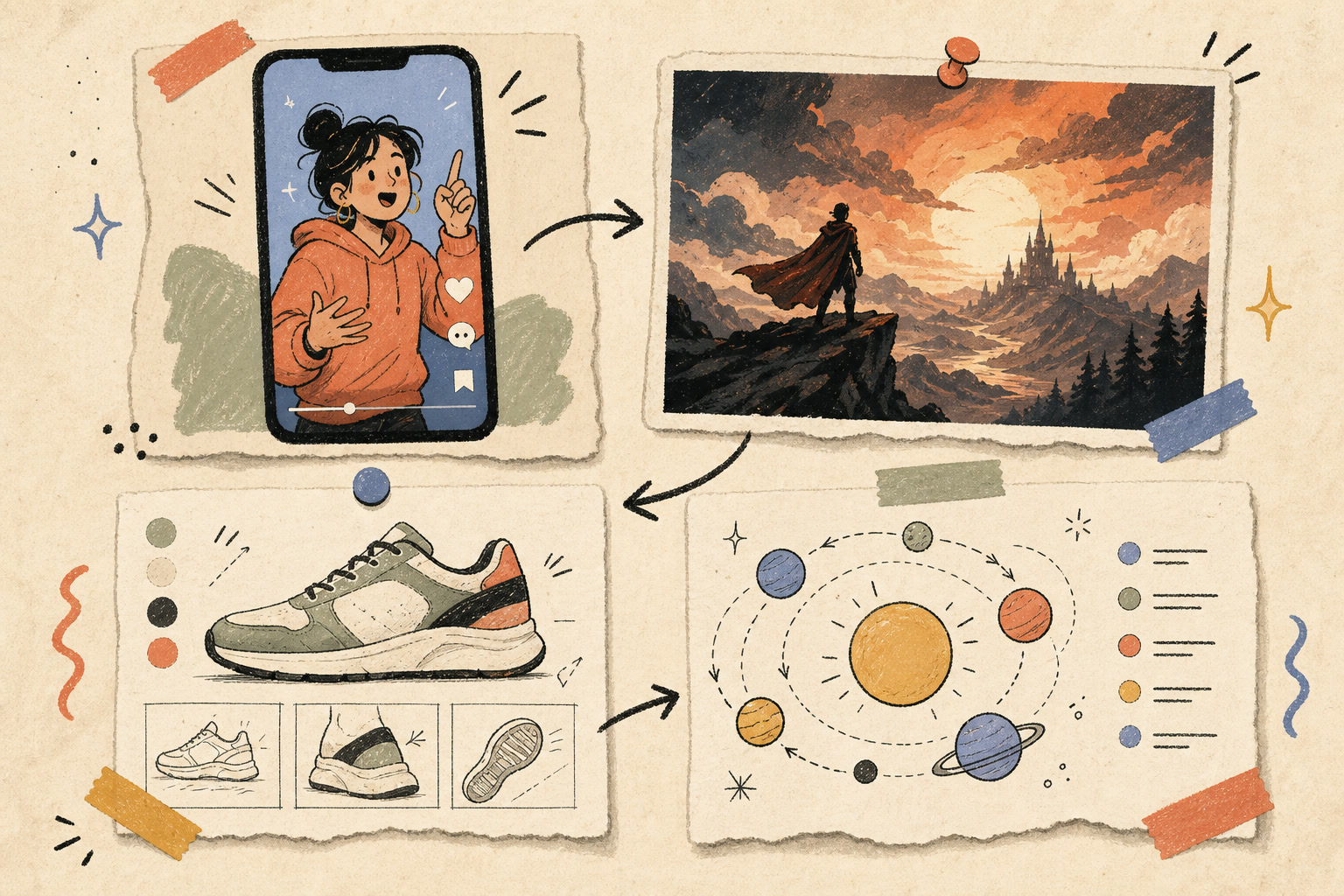
Built for ideas that deserve motion
Start with the format you need and let one visual workflow carry the idea from script to screen.
Pricing
Choose how often you create. Every generation uses credits, so you stay in control of your usage.
FAQs
Everything to know before your first scene
Your next video starts with a story
Bring your next idea to life with a guided story-to-video workflow.
Creator Notes
Create with a stronger story
Get practical storytelling prompts, storyboard techniques, and Seedance Videos product updates